Features
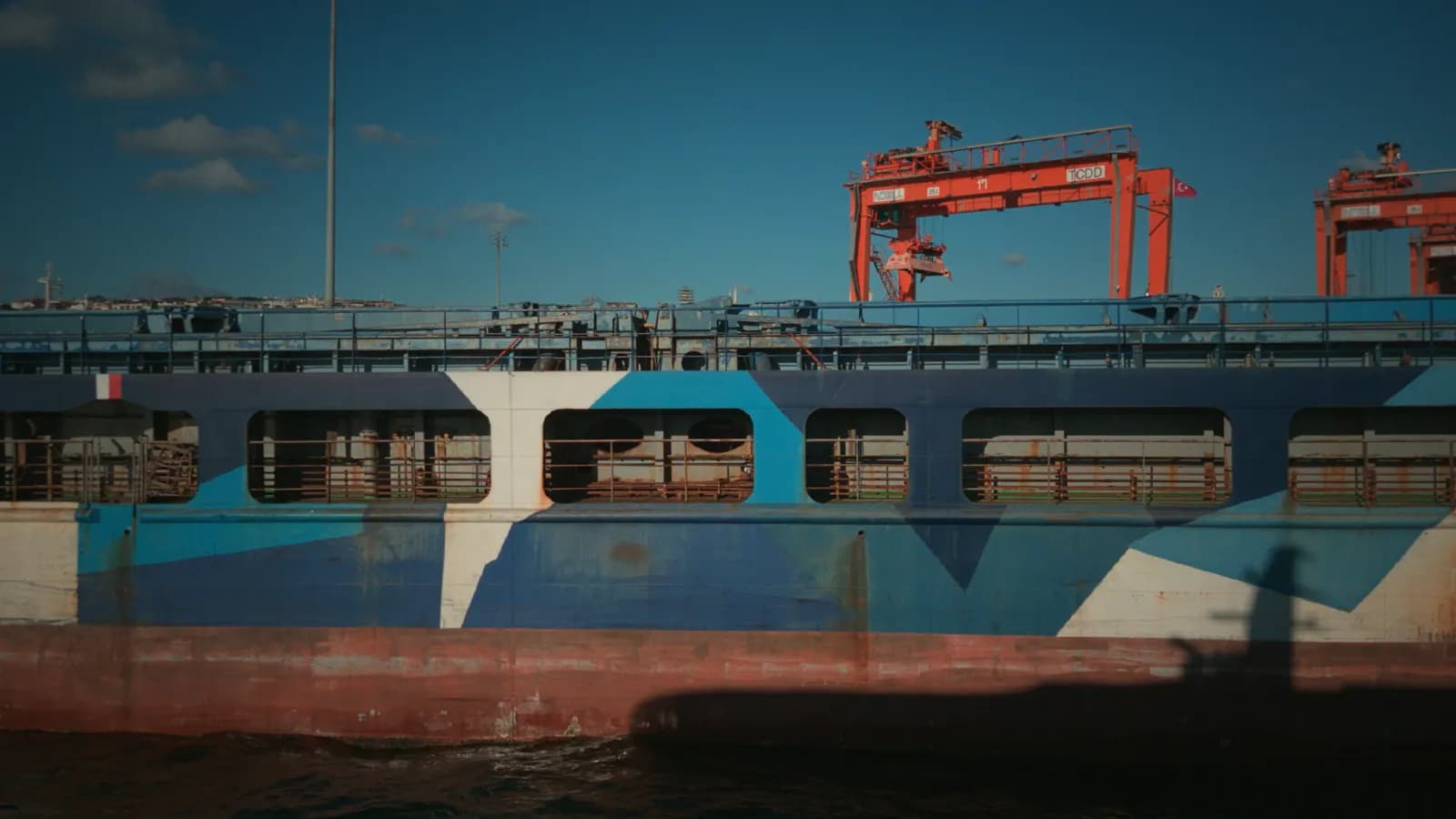
Gyroflow stabilization with CinemaKit motion data
CinemaKit records gyroscope and accelerometer measurements alongside a take and saves a Gyroflow-compatible sidecar file. These motion measurements help Gyroflow stabilize footage after capture. Keep the sidecar with the video when transferring or archiving.
 Stabilized
A practical stabilization workflow
- Record a short take and keep its motion sidecar.
- Transfer both files to your computer without separating the take from its metadata.
- In Gyroflow, load a supported video together with the matching motion data. If the RAW container needs development first, create a compatible video export and retain the sidecar.
- Check the lens profile, synchronization and crop before a full export.
What affects the result?
Gyro stabilization needs accurate motion timing and a suitable lens profile. It compensates for movement by reframing the image, so leave room for the stabilization crop. Motion blur recorded during exposure is still present in the source; stabilization does not turn a blurred frame into a sharp one. Inspect a short export before processing a whole shoot.
Technical references
Related pages
Getting started with CinemaKit
Your first CinemaKit RAW workflow: choose a supported camera, record a test take, review, transfer and export on phone or in Studio.
Open Gate and sensor modes in CinemaKit
Use CinemaKit Open Gate, crop and oversampled modes to balance reframing flexibility, RAW file size and recording performance.
CinemaKit Studio guide: open, grade and export
Follow the CinemaKit Studio RAW workflow: browser and GPU checks, local file opening, color correction, export and troubleshooting.